
Websites
Who Owns Your Website? Questions to Ask Before You Sign
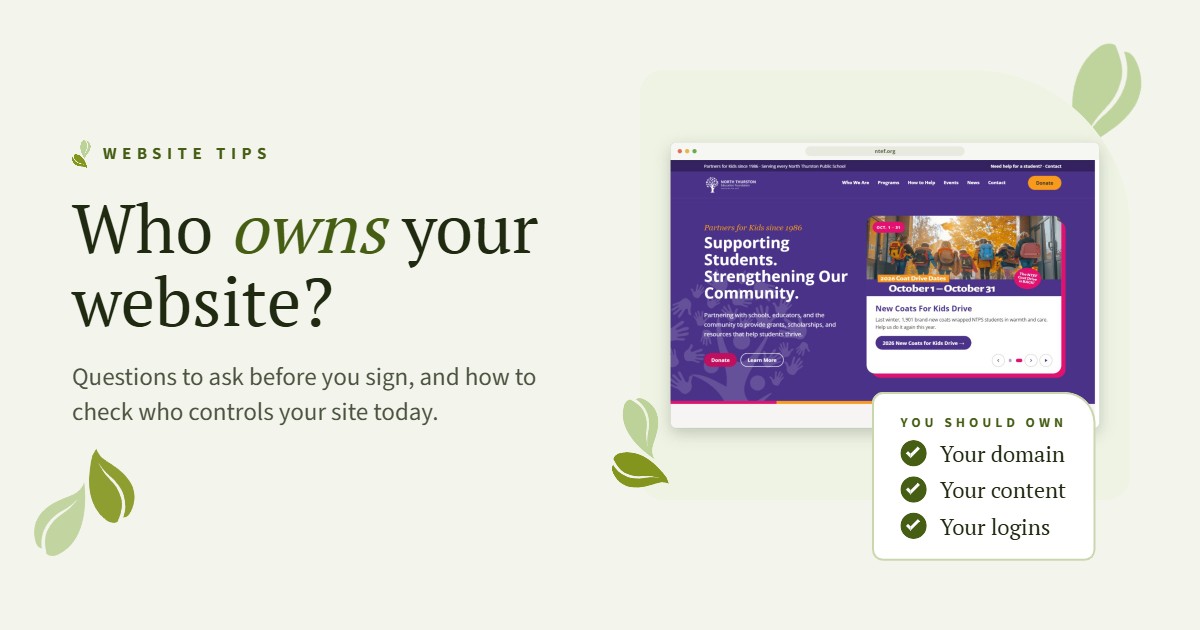
“We can’t get into our website.” It is one of the most common calls we get. A volunteer built the site years ago, a past designer still holds the domain or the login lives in someone’s old inbox. If you have ever wondered who owns your website, you are not alone, and the fix is usually simpler than it sounds.
Here is what we tell every organization we work with, whether we build their site or not.
What your organization should always own
You do not have to manage every technical detail yourself. You do need to own the pieces that let you stay in control, no matter who you work with.
- Your domain. This is your web address, like yourorganization.org. It should be registered in your organization’s name, with a contact email your team controls. Your domain is also tied to your email, so losing it can take both down.
- Your content. Your words, photos, logo, videos and documents belong to you. You should be able to get a full copy of them at any time.
- Your logins. Your organization should have its own administrator login to the website, plus access to the accounts connected to it, like Google Analytics, Google Search Console and your Google Business Profile.
What about hosting?
Hosting is where your website lives online. Plenty of organizations let a trusted partner handle it, and that is a smart choice when you do not have staff to manage updates, backups and security. The key is that hosting should never hold your website hostage. Ask how you would move your site if you ever needed to, and make sure the answer is clear and in writing.
Real situations we see
None of these happen because someone meant harm. They happen because no one wrote anything down.
- The volunteer who moved on. A board member set up the website with a personal email. They have since moved away, and no one has the login.
- The designer who went quiet. A past designer registered the domain in their own account. Every small change now means tracking them down.
- The renewal that went to an old inbox. Renewal reminders went to a former employee’s email. The domain expired, and the website and email went down without warning.
How to check who owns your website today
- Look up your domain with ICANN Lookup. It shows the registrar and the expiration date. The owner’s name is often hidden for privacy, which is normal.
- Search your inbox for emails from that registrar. Renewal notices and receipts will tell you which account the domain is in.
- Log in to that account, or ask whoever set it up to add you. Confirm the registrant is your organization and the contact email is one your team uses.
- Try logging in to your website as an administrator. If you cannot, ask your web partner to set you up.
- Ask for a current backup of your site and your content, so you know you can get it when you need it.
If you get stuck at any step, that is your sign to sort it out before a renewal date sneaks up on you.
Questions to ask before you sign
Whether you are hiring a freelancer, an agency or a volunteer, ask these before any work starts:
- Whose name and account will the domain be registered under?
- Will my organization have its own administrator login?
- When the project is done, do we own the design, the content and the files?
- If we stop working together, how do we move the site, and is there a cost?
- Are the theme and plugins licensed to my organization or to you?
- What does ongoing care include, and what happens if we want to manage the site ourselves?
A good partner will be happy to answer all of these in writing. If the answers are vague, ask again.
A simple website ownership checklist
- Use an organization email address, not a personal one, for every website account.
- Make sure at least two people on your team have access.
- Keep logins in a shared password manager.
- Put your domain renewal date on a shared calendar.
- Review access once a year, especially after staff or board changes.
Who owns your website when you work with Kesh
You do. Your domain, your content and your website belong to your organization, and you get your own logins from day one. We build on an easy-to-use page builder so your team can update text and photos, and we train you at launch.
If you would rather not think about the technical side, our website care plans include hosting, updates, backups and security. And if you ever decide to move on, we will help you take everything with you.
Not sure who controls your site right now? Reach out and tell us what is going on. We will help you track it down and get it back in your name. You can also read about how we approached our own new website.
Kelli & Stephanie